❓ Problem: Visuals appear skewed, off-shelf, or duplicated.
🔍 Possible Causes
- Poor location check-in.
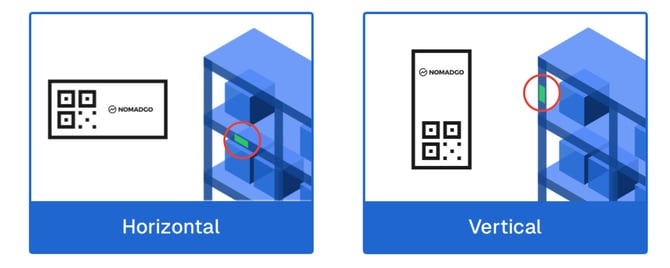
- QR Code placement/orientation incorrect.
🛠️ Fix
- Use the 🔄 Reset option located in the top right corner
-
Reset the Location by re-scanning the QR Code, or by tapping the green, on-screen Location Name.
-
Place QR Code at accessible height and centered.
- Orientation matters: Check how the QR Code is set in Manage Locations → Location Details:
➡️Landscape = Horizontal
⬆️Portrait = Vertical
- Hold device parallel and level when scanning.